Jitter
Jitter is a web-based motion design tool built for creating animated graphics, UI prototypes, and short videos—no timeline or steep learning curve required.

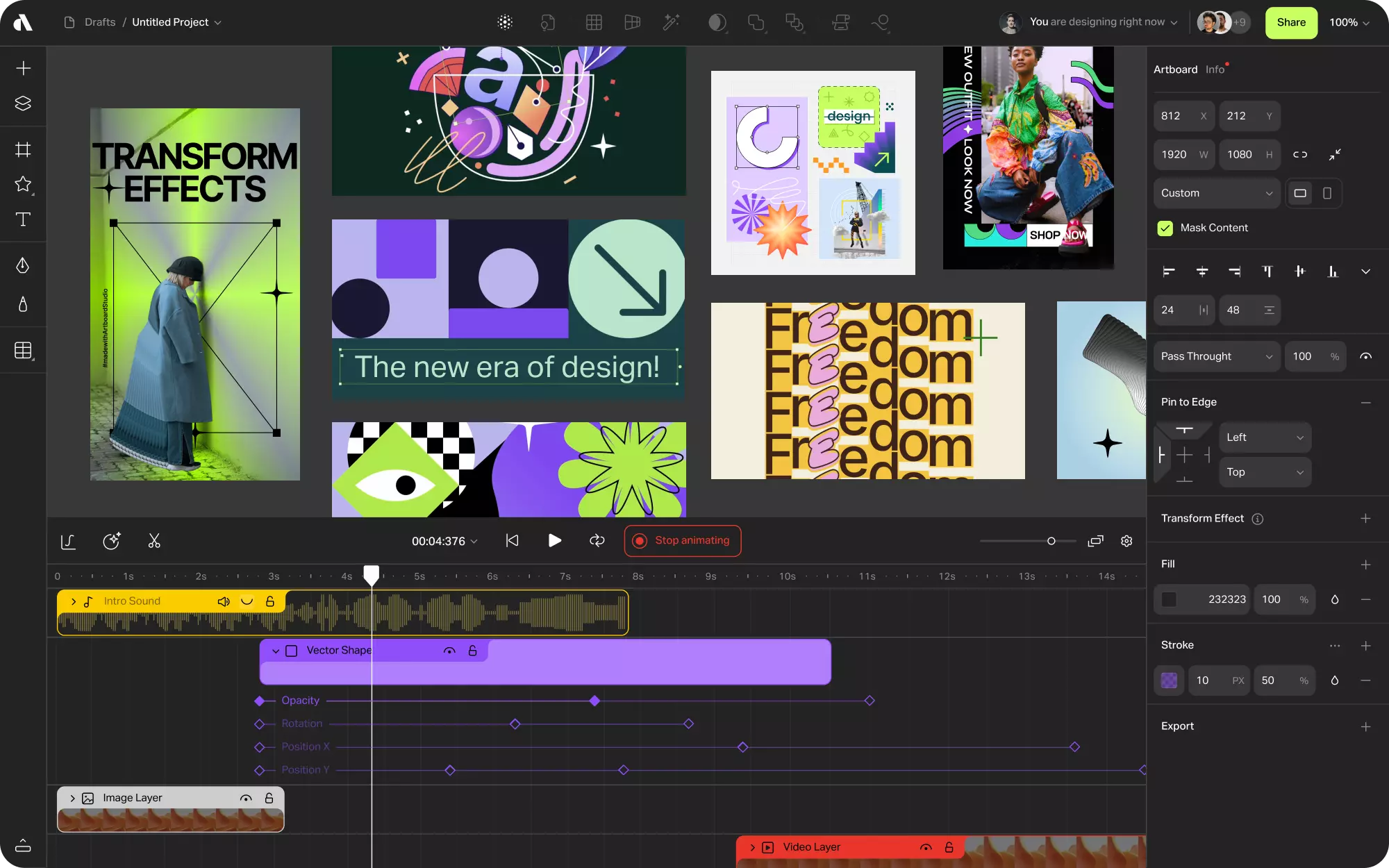
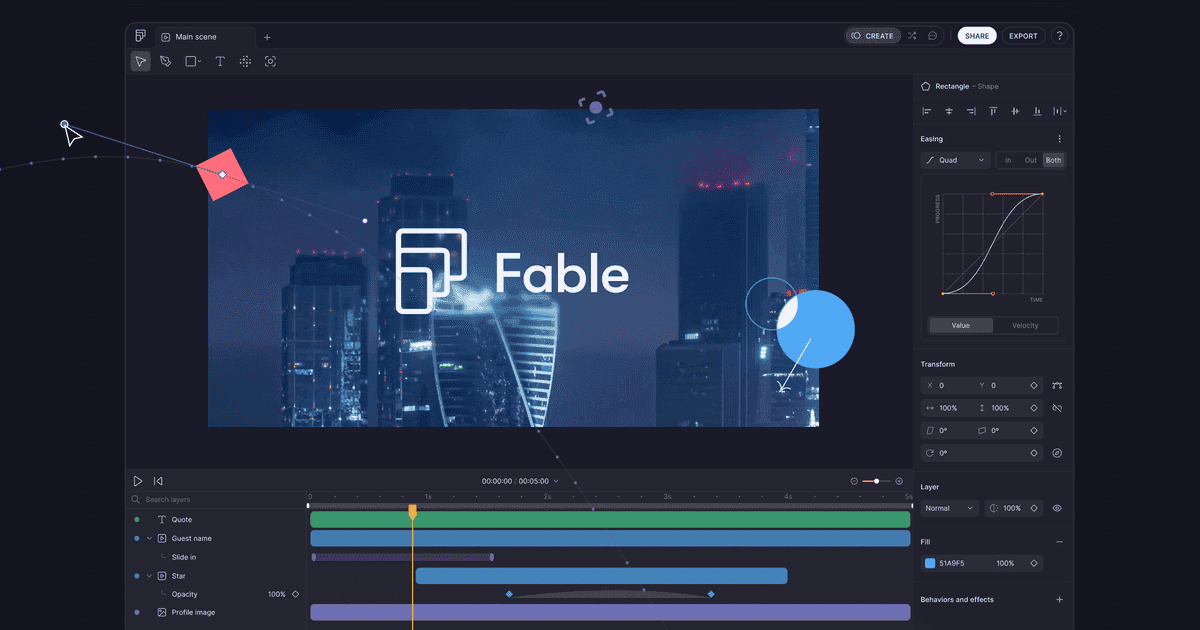
Jitter is an easy-to-use, browser-based motion design tool built for UI designers, content creators, and marketers. It features a layer-based interface and timeline editor for animating text, shapes, illustrations, and Figma designs—without requiring experience in complex tools like After Effects.
What It Does Best
UI & Product Animation: Animate buttons, screens, icons, and app flows for product demos and prototypes.
Content Videos: Design and animate short social videos or branded assets for web and marketing.
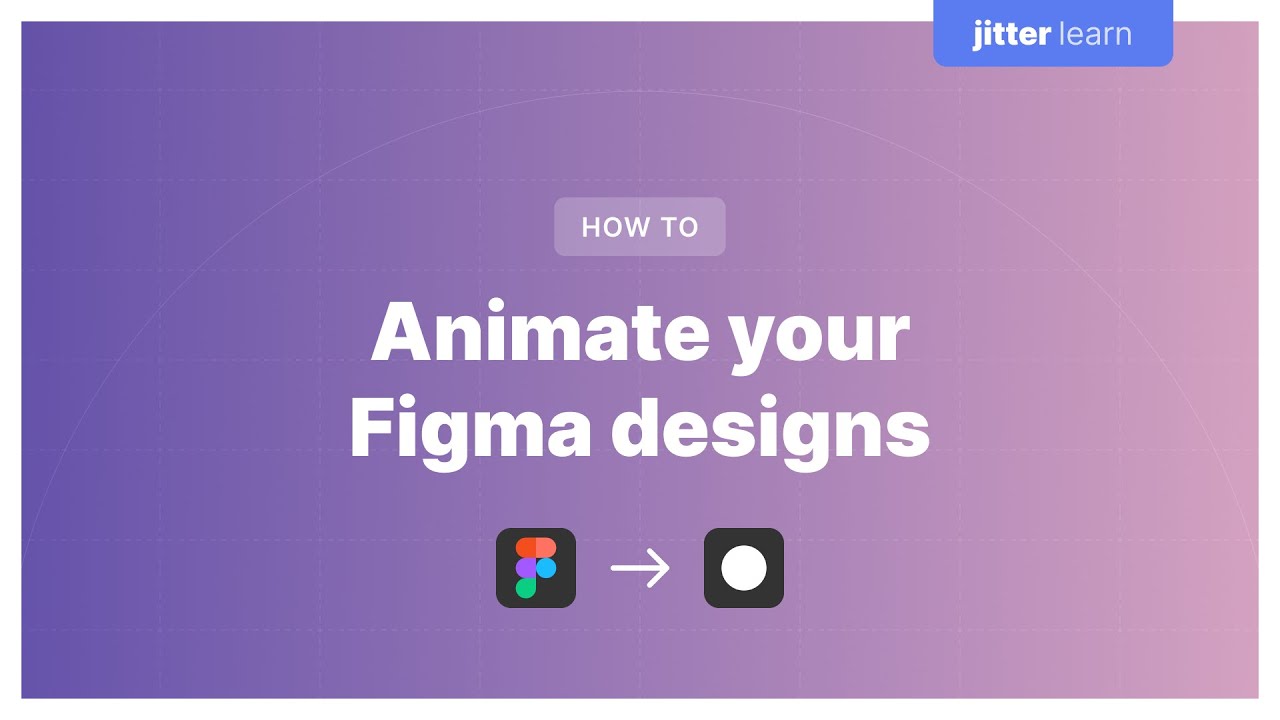
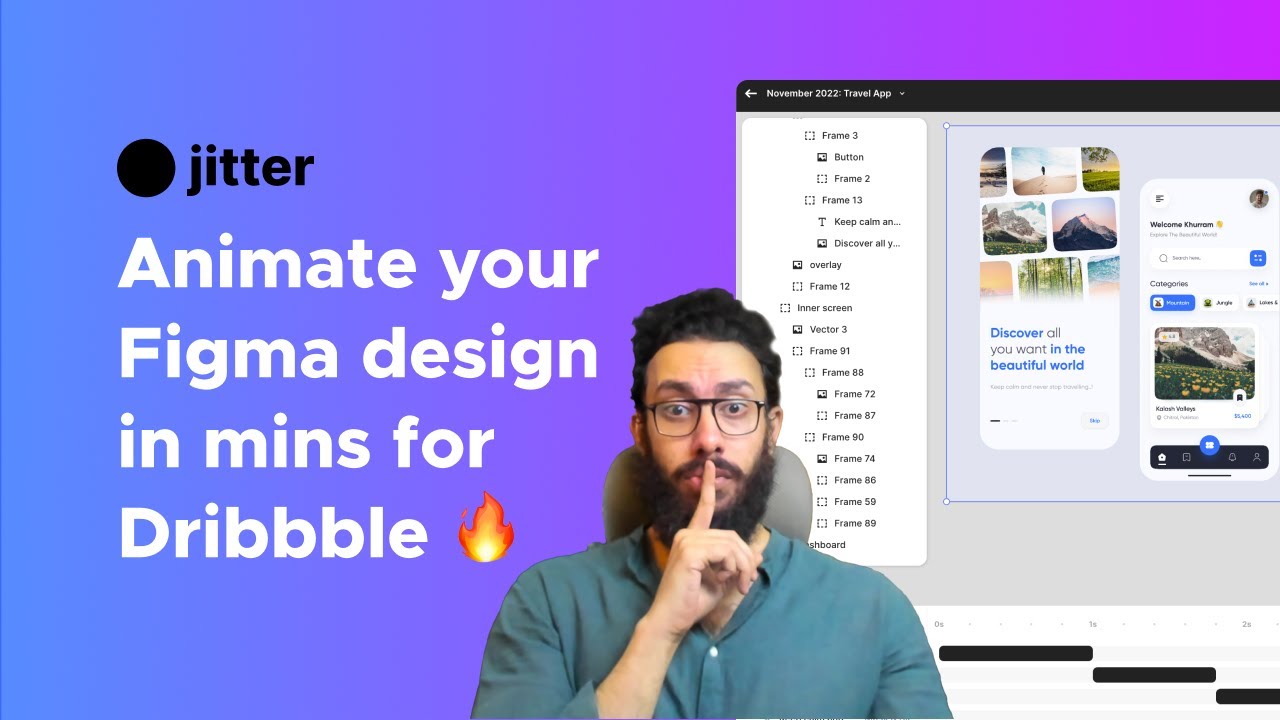
Figma Integration: Import Figma files with full layer structure preserved for direct animation.
Who It’s For
Designers & Product Teams: Communicating motion ideas through lightweight prototypes.
Content Creators: Producing short videos, animated posts, or explainers for digital platforms.
Social & Brand Teams: Quickly generating visual content with consistent motion and branding.
What Makes It Unique
Jitter simplifies motion design into an intuitive browser interface. Its real-time animation preview, low learning curve, and export flexibility (including Lottie, MP4, and GIF) make it ideal for fast-moving creative teams and designers exploring motion for the first time.
Before You Start
Runs entirely in the browser—no installation required.
Free and paid plans available; exports without watermark on Pro plans.
Supports video (MP4), GIF, Lottie JSON, and SVG exports.
Final Thoughts
Jitter is a fast, approachable tool for adding motion to design projects—especially useful for teams working on digital products, social campaigns, or lightweight animations without needing traditional video software.